EasyPoker on iPhone Duo – Play Poker with Friends
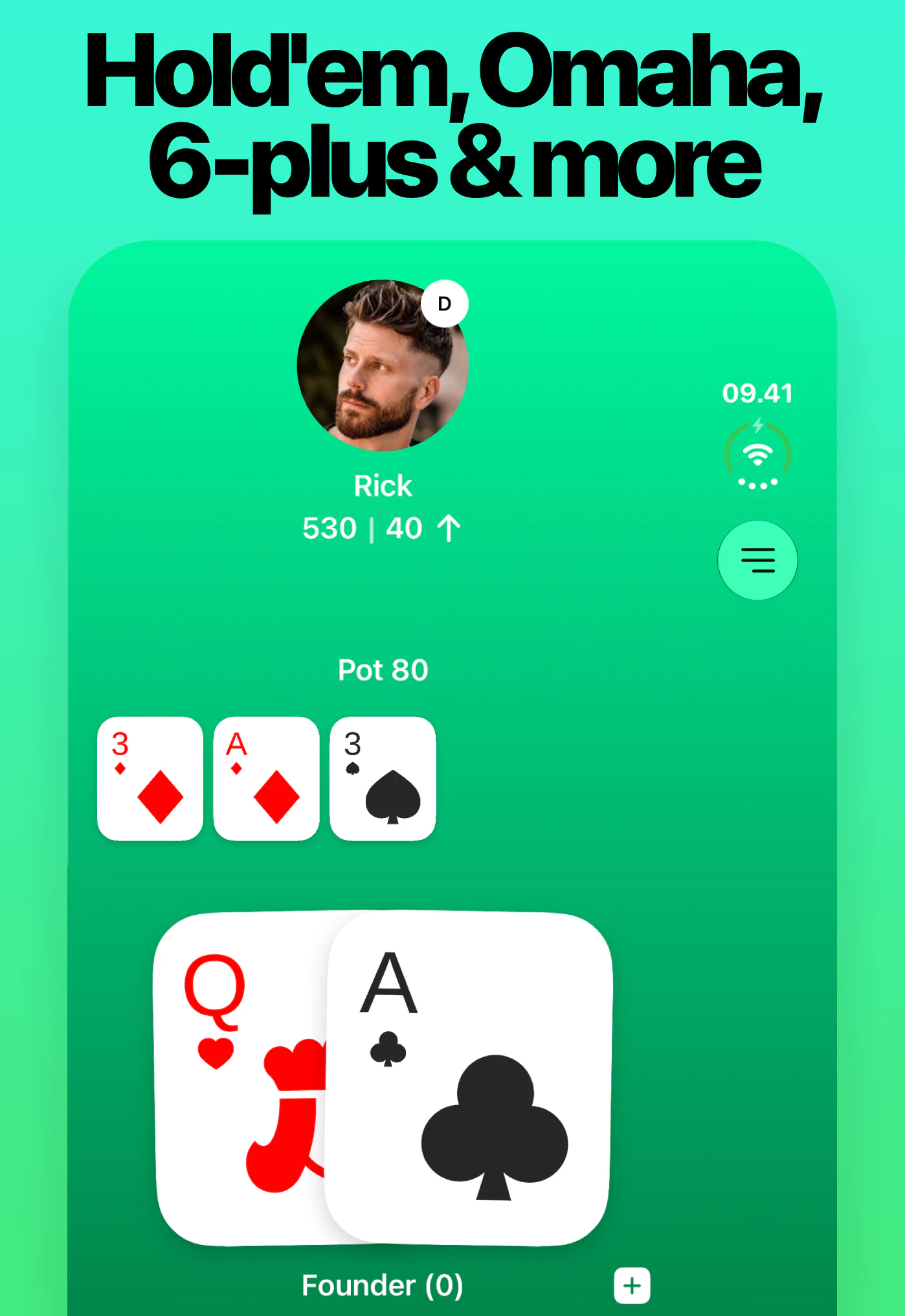
EasyPoker is now optimized for iPhone Duo’s inner and outer displays. Start a private poker game, invite your friends with a four-digit PIN, and play Texas Hold’em, Omaha, Short Deck or Reverse Hold’em from your phone.
Download on the App Store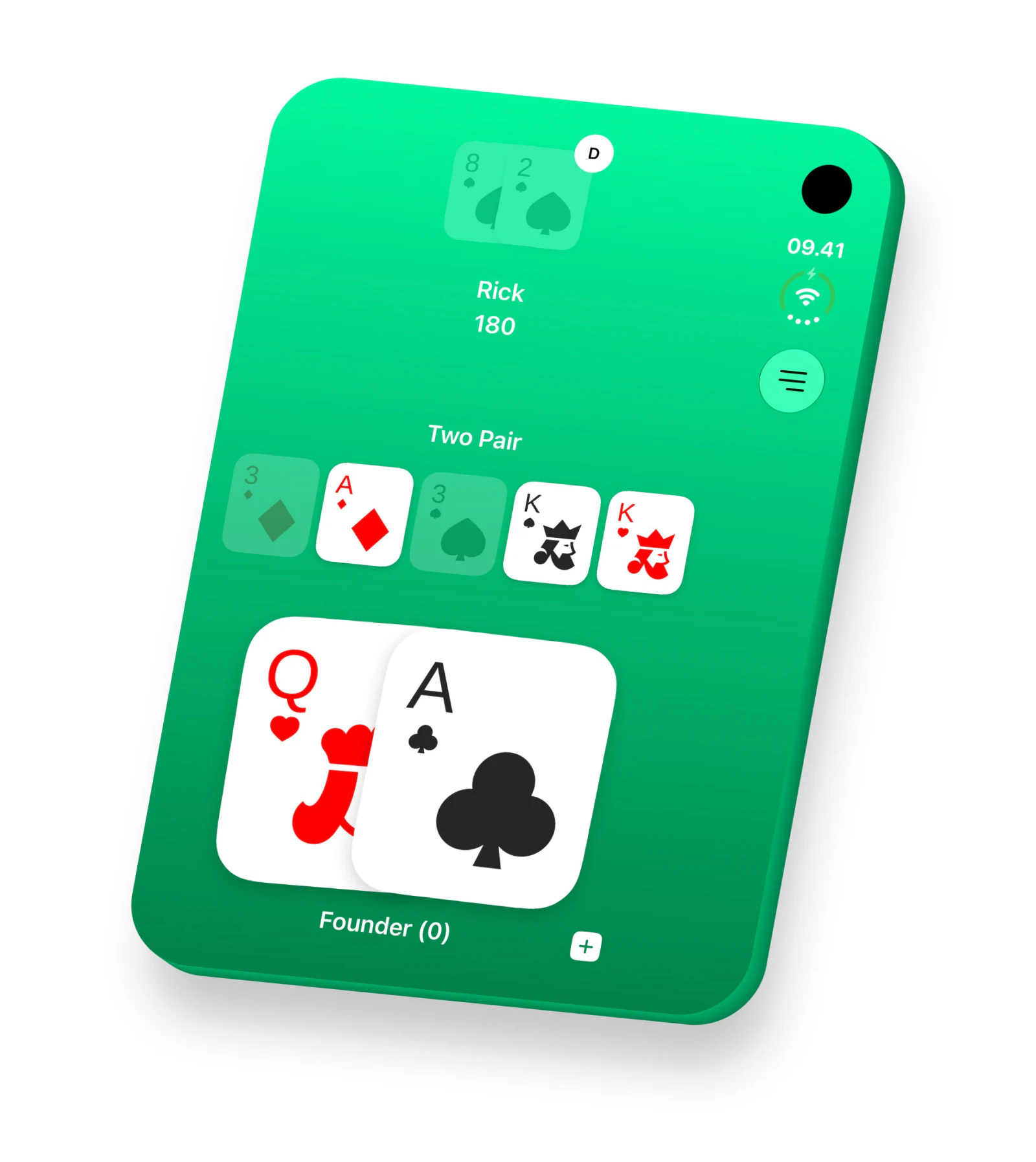
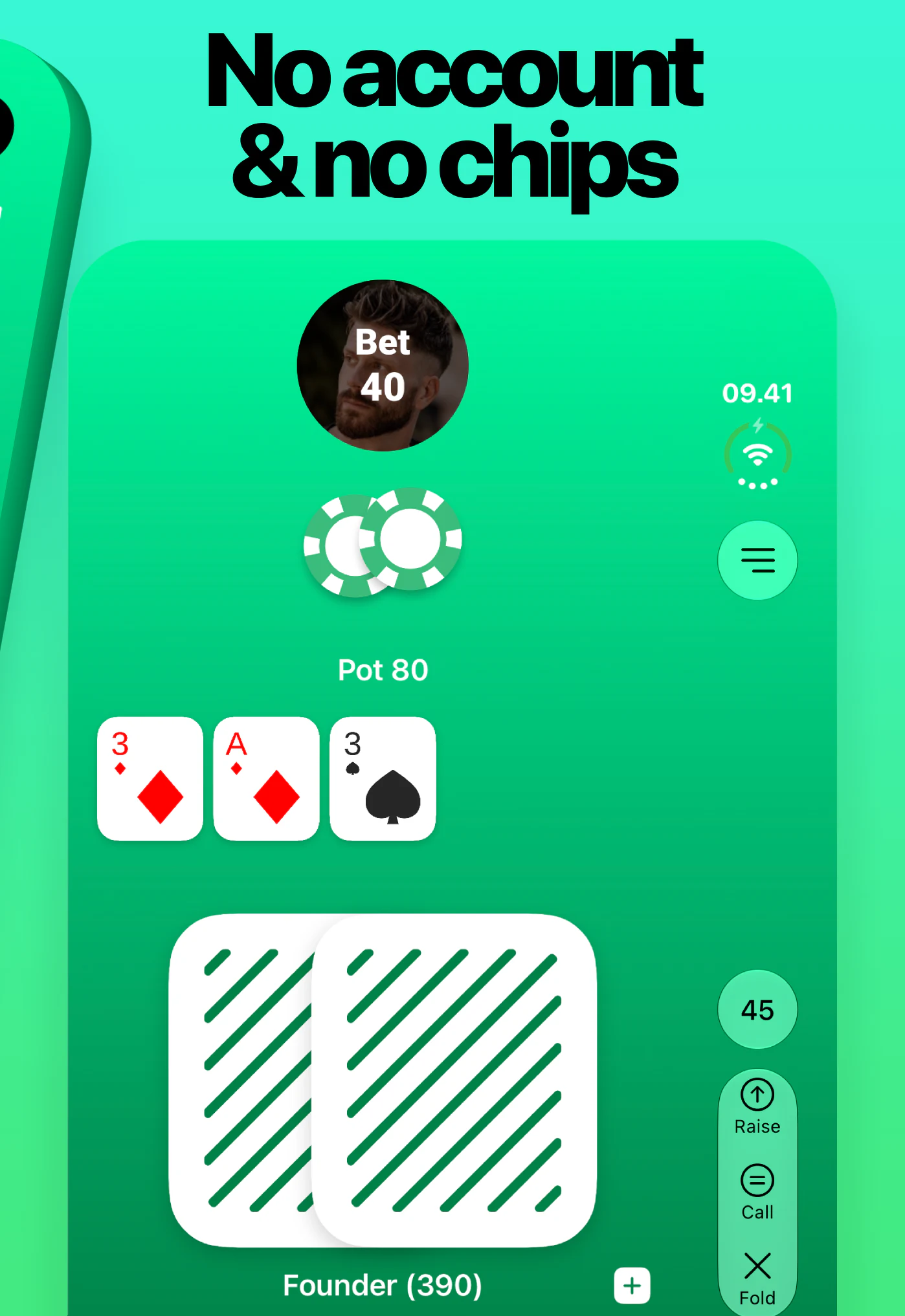
No physical cards or chips needed. EasyPoker handles the dealing, blinds, pots and chip counting, leaving your group to focus on the next hand.

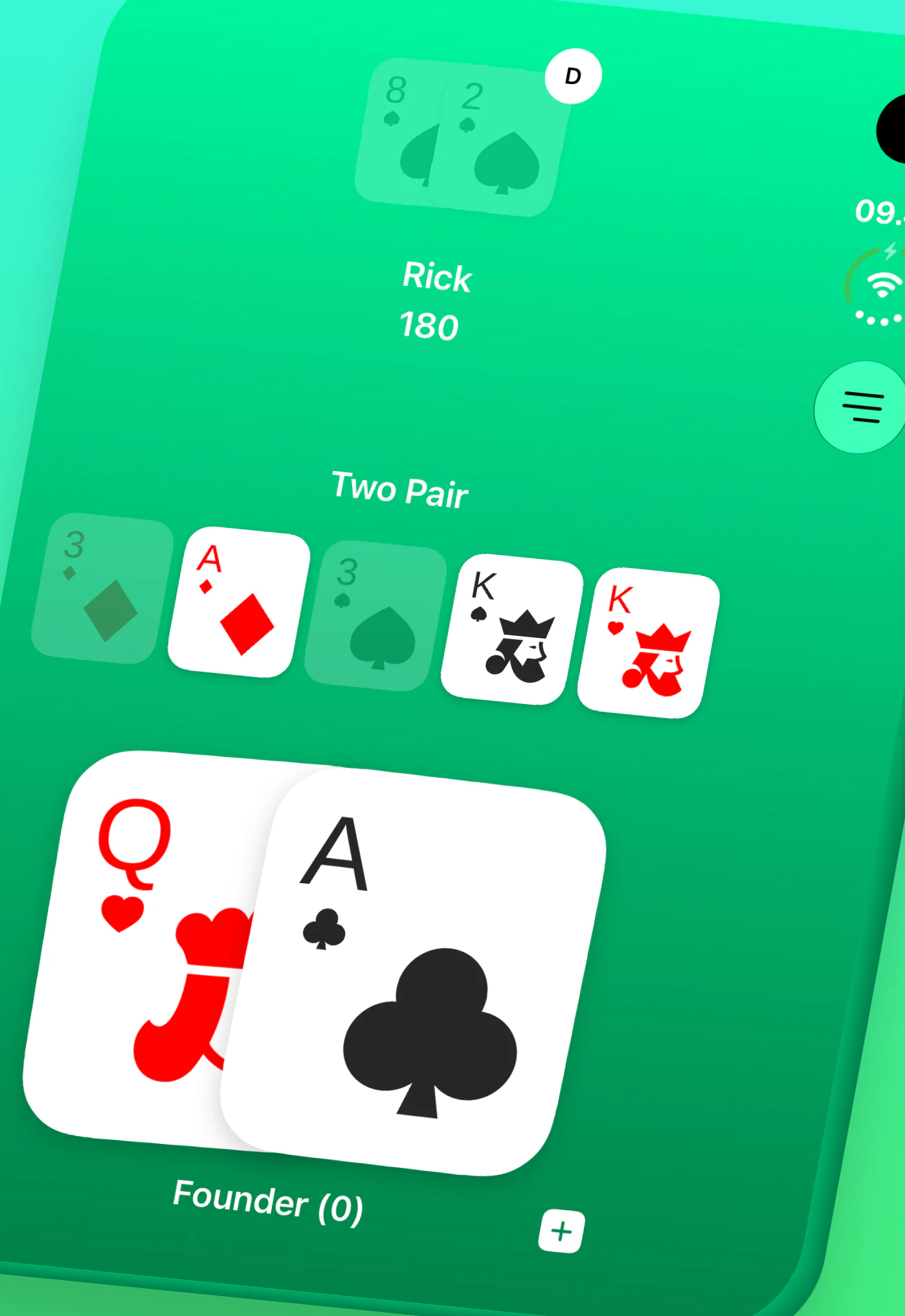
Your new iPhone. Your usual poker crew.
Moving to iPhone Duo doesn’t mean your friends need new phones too. EasyPoker supports games between iPhone and Android players, with everyone joining from their own device.
Play together around the kitchen table or meet online when everyone is somewhere different. The same private-table setup works for both. Learn more about playing poker with friends.
How to play poker with friends on iPhone Duo
- Download EasyPoker from the App Store.
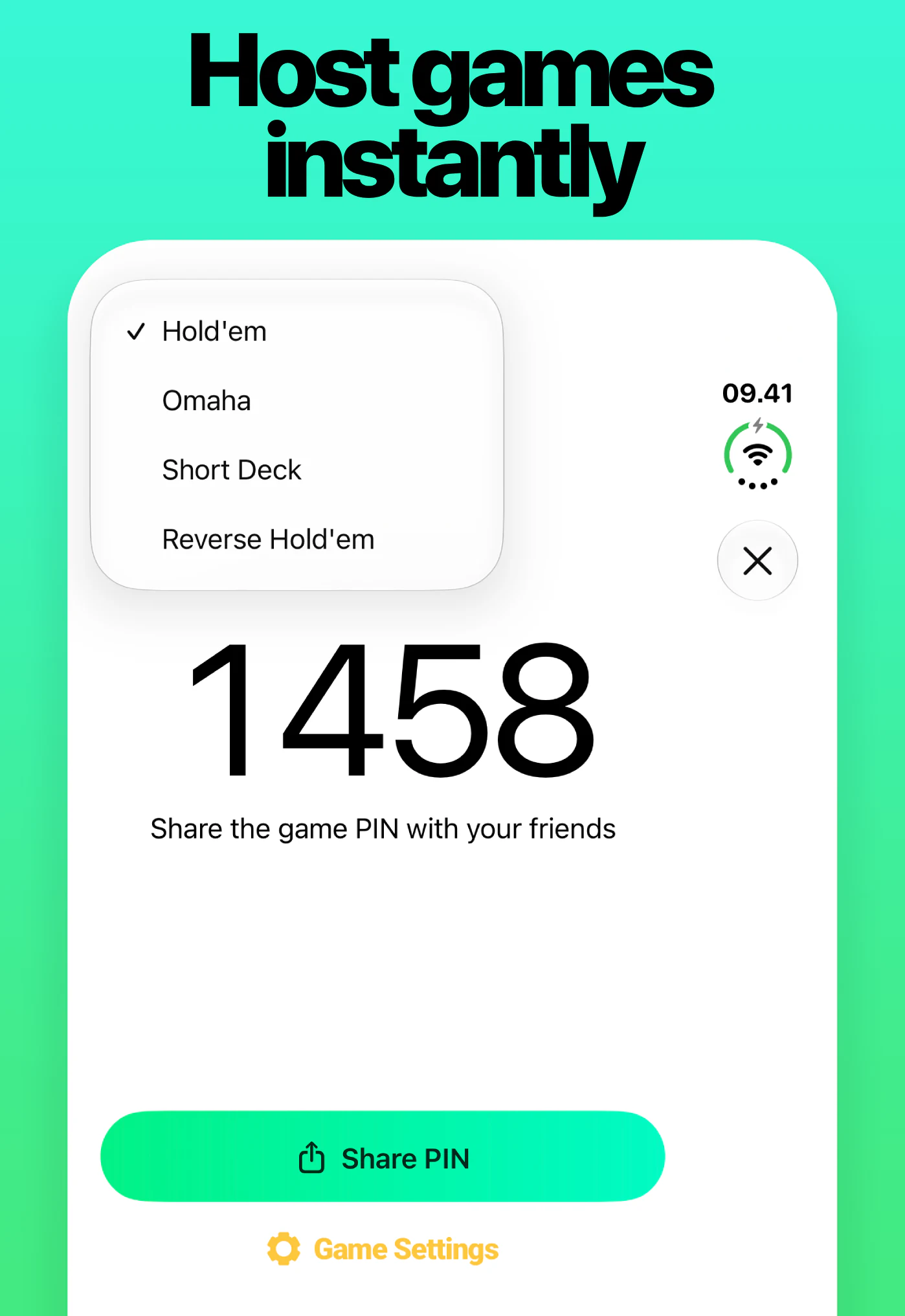
- Create a private game and choose your poker variant.
- Share the four-digit game PIN with your friends.
- Join the same table from your own phones and start playing.
You don’t need an account to get started, and there are no virtual chip packages to buy.
Texas Hold’em, Omaha and Short Deck on iPhone Duo
Keep your regular game going or try a different format:
- Texas Hold’em: The familiar two-card game, with five community cards shared by the table.
- Omaha: Four hole cards and more possible combinations. Build your hand using exactly two hole cards and three community cards. Our Omaha poker guide explains the difference.
- Short Deck: Also called 6+ Hold’em or six-plus poker, this variation removes the twos through fives to create a 36-card deck. Read the Short Deck rules and hand rankings before your first game.
- Reverse Hold’em: EasyPoker’s twist on the classic format reveals the community cards in reverse order, with the flop coming last.
Keep the table talk going
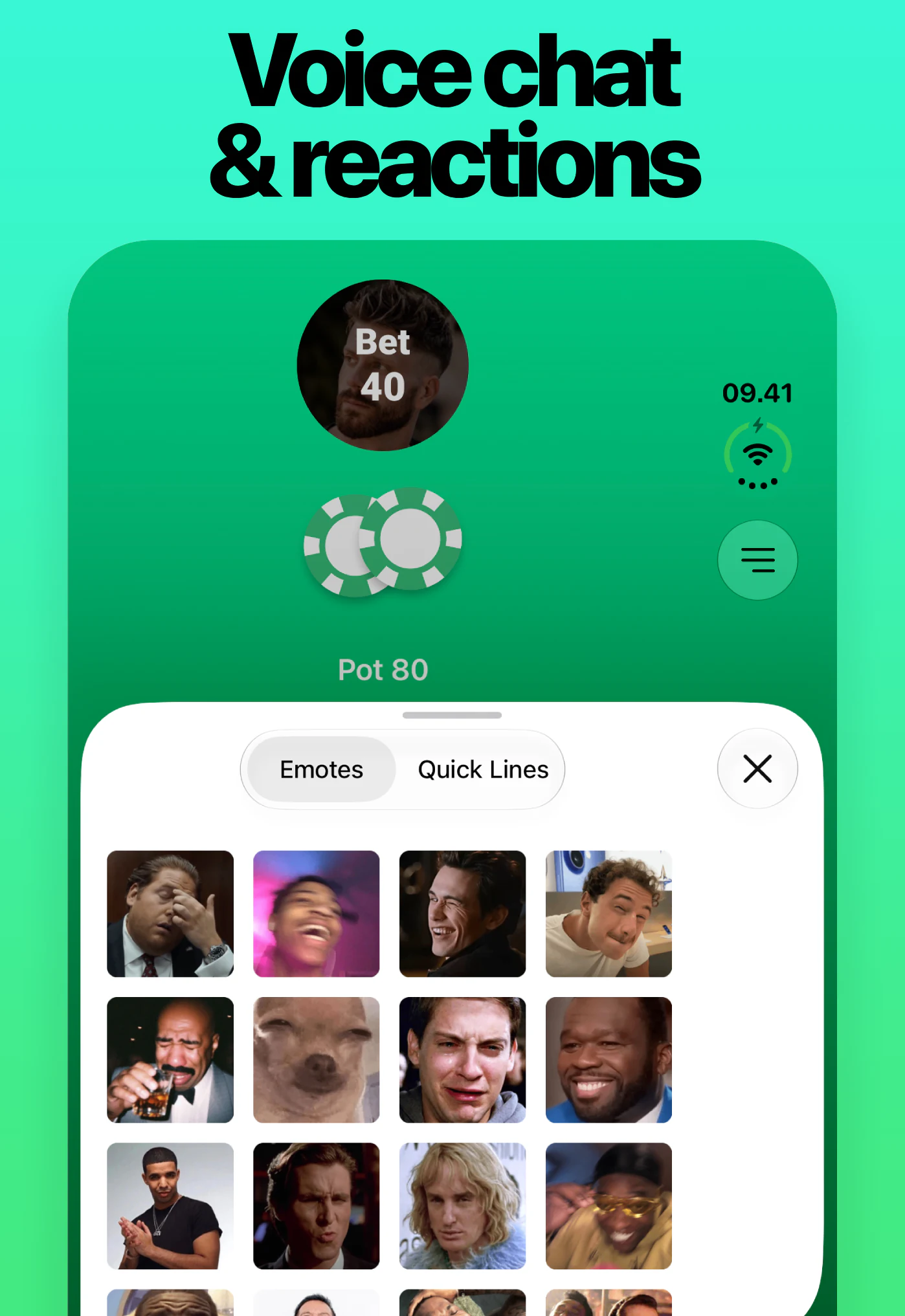
A poker night is about more than the cards. Built-in voice chat lets you talk, bluff and celebrate during remote games. Reactions give you another way to respond to the action.
Every player gets a free daily speaking allowance. EasyPoker Plus removes the voice limit. Read more about EasyPoker’s built-in voice chat.
Track your game with Poker Passport
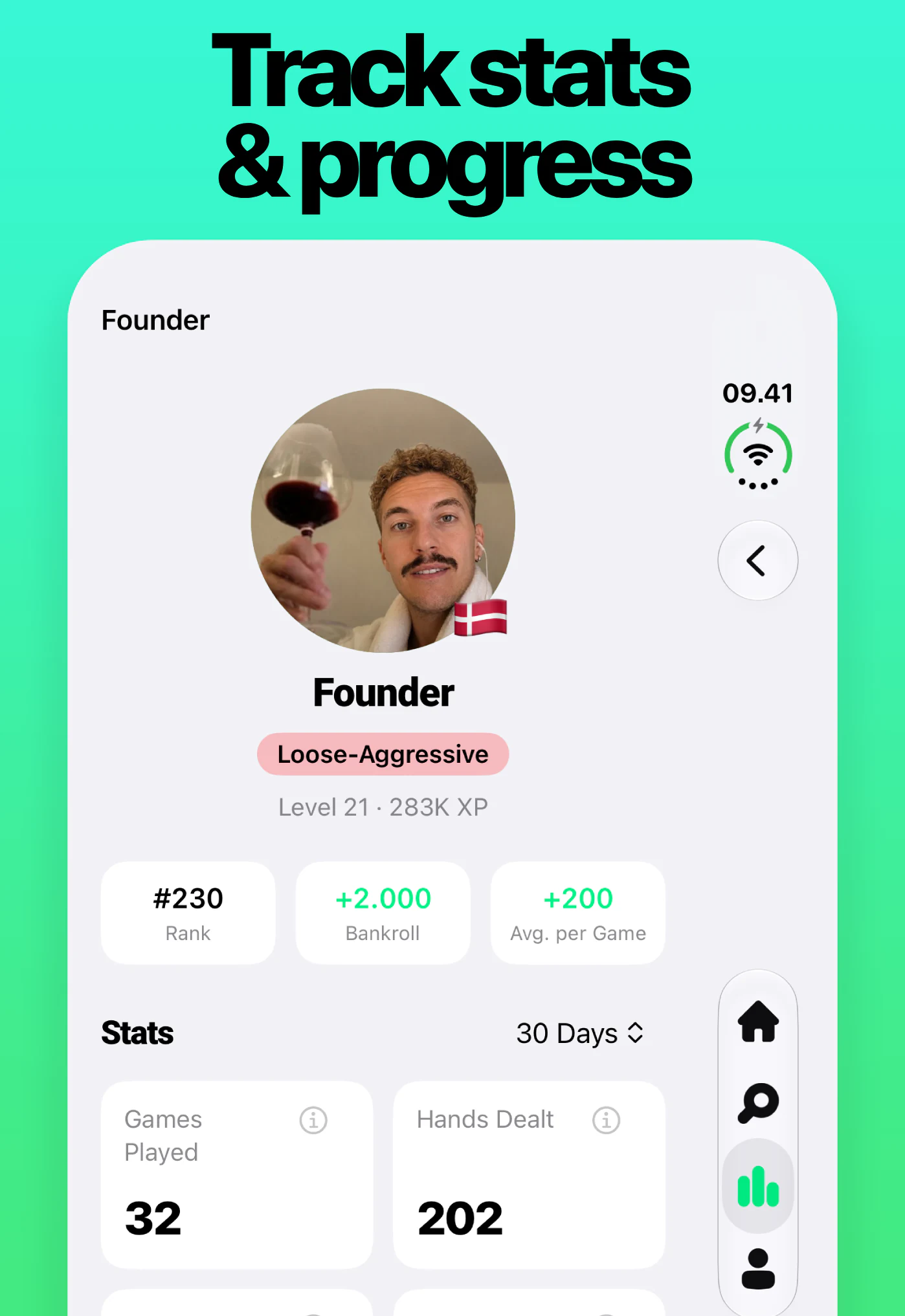
Poker Passport records your play automatically, helping you follow your results and understand your playing style.
Check your progress over time, compare your recent games with your longer-term record, and see what the numbers say about how you play. Deeper statistics are available through EasyPoker’s optional subscription. Explore Poker Passport and other EasyPoker features.
What’s free, and when do you need Plus?
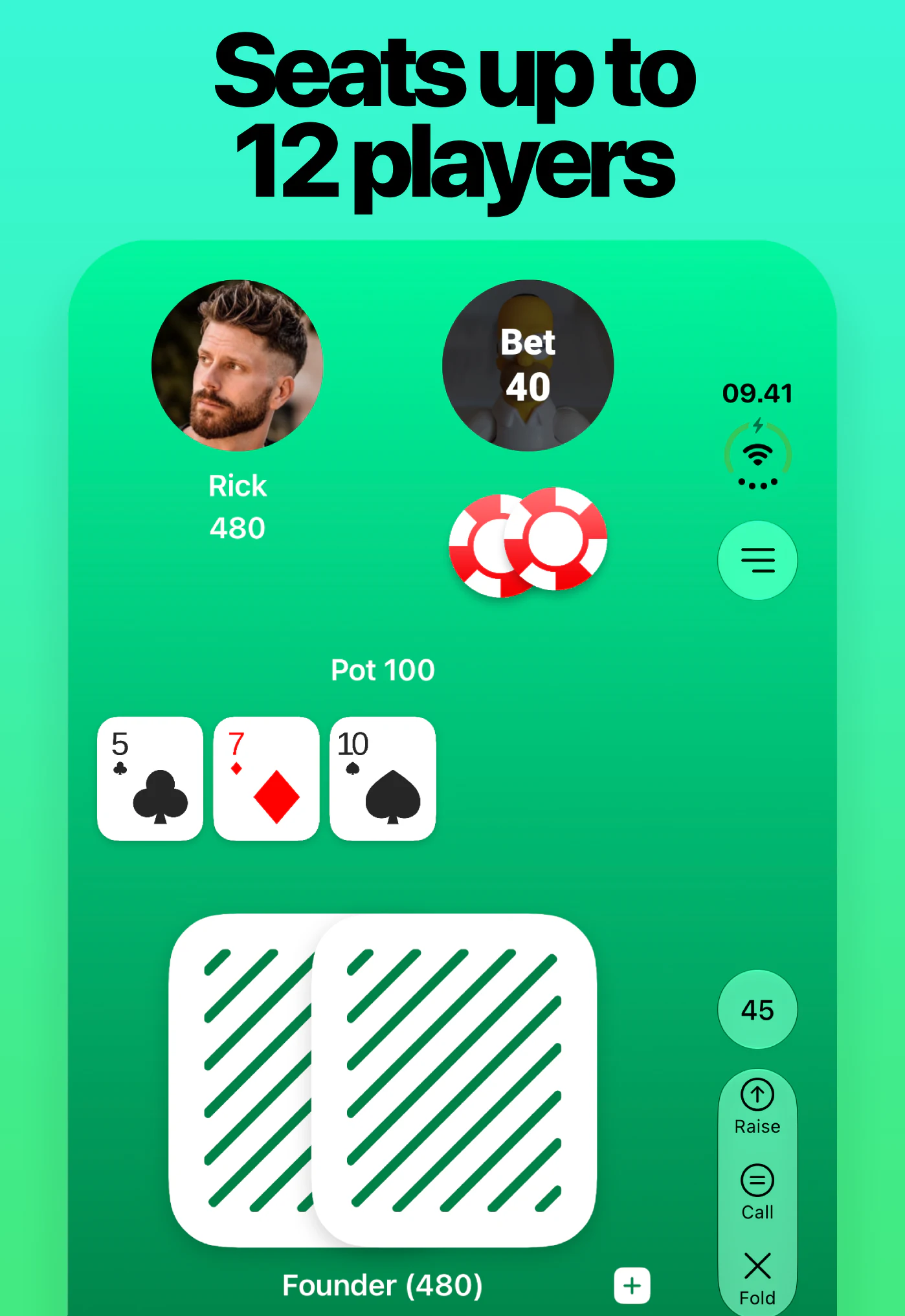
EasyPoker is free to download, and Texas Hold’em games are free and unlimited. For games with four or more players, the host needs EasyPoker Plus; everyone else can join without their own subscription. Hold’em tables support up to 12 players.
Omaha, Short Deck and Reverse Hold’em each include 10 free games. After that, hosting those variants requires Plus. Guests can join a Plus host’s table for free. See the game and subscription details.
Questions about EasyPoker on iPhone Duo
Does EasyPoker work on both iPhone Duo displays?
Yes. EasyPoker is optimized for iPhone Duo’s inner and outer displays.
Do my friends also need an iPhone Duo?
No. Friends can join the same game using supported iPhone and Android devices.
Can we play together in the same room?
Yes. Everyone uses their own phone, and you can tap and hold to reveal your hole cards privately.
Is EasyPoker a real-money poker app?
No. EasyPoker uses digital chips with no cash value. There are no deposits, withdrawals or cash prizes.
Learn more about playing poker without real money.
Ready for the next hand?
Download EasyPoker for iPhone Duo, create a private table and send your friends the PIN.
Download on the App Store